

5 Brilliant AI Accessibility Apps You Should Know
Introduction: Where AI Meets Accessibility in Life-Changing Ways
In a world increasingly driven by technology, accessibility is no longer a niche topic; it’s a universal concern. As digital services become essential to everyday life, millions of people with disabilities continue to face barriers that exclude them from fully participating in work, education, communication, and even routine tasks.
But here’s the good news: Artificial intelligence is quietly changing that story.
Over the past five years, we’ve witnessed an explosion of AI-powered mobile apps designed not just for entertainment or productivity but to enhance human connection, independence, and dignity. Among the most transformative of these are mobile AI accessibility apps tools built to assist individuals who are deaf, hard of hearing, visually impaired, or speech-impaired in real-world environments.
Whether it’s converting speech into real-time captions, reading printed text aloud, interpreting facial expressions, or enabling voice-impaired users to “speak” via lip movement, these apps demonstrate what AI does best: turning once-impossible moments into ordinary, effortless actions.
Imagine being able to:
- Understand every word in a group meeting without hearing a single sound.
- Ask a volunteer to describe what’s on your medicine label.
- Hold a phone conversation when you’ve lost your ability to speak.
- Navigate an unfamiliar environment with nothing but your camera and an AI assistant.
These scenarios aren’t science fiction. They’re happening today, thanks to the brilliance of thoughtfully designed AI tools like Ava, SRAVI, InnoCaption, Be My Eyes, and Seeing AI.
And the best part? These tools are in your pocket, ready to use on the device you already carry.
What sets these apps apart isn’t just their use of machine learning, natural language processing, or computer vision. It’s their focus on humanity, on solving real problems for real people in moments that matter. For a person with hearing loss, that might be the ability to participate in a group conversation for the first time in years. For someone who’s recently lost speech, it might mean regaining the power to ask for help, order food, or simply say “I’m okay.”
Accessibility is often treated as an afterthought in tech design, but these apps prove they can be the starting point for innovation. And with global institutions, tech giants, and grassroots developers now prioritizing inclusive design, the mobile AI accessibility movement is only growing stronger.
In this article, we highlight five brilliant AI-powered accessibility apps you should know. Whether you’re a user, caregiver, educator, developer, or just curious about the future of inclusive tech, these tools are more than just impressive; they’re life-changing.
Let’s explore how AI is helping build a world where ability is supported, not limited, and where everyone has a voice, a way to connect, and a place at the table.
1. Ava – AI-Powered Live Captioning for the Deaf & Hard of Hearing
What it does: Ava transforms your smartphone into a live captioning system. Using your mic provides real-time transcription during conversations, whether in-person or virtual. It assigns speaker labels in color and even connects multiple devices for group conversations .
Why it’s brilliant:
- Supports over 20 languages and accents.
- Offers high accuracy (~95%), with premium “Scribe” certification options for nearly 99%.
- Syncs multiple devices so everyone can contribute to the live caption stream, perfect for classrooms, meetings, and social settings.
Who benefits:
- Ideal for students, educators, professionals, or anyone needing inclusion in conversations.
- Organizations can meet ADA compliance with scalable captioning.
2. SRAVI – AI Lip-Reading for Voice-Impaired Users
What it does: SRAVI (Speech Recognition App for the Voice Impaired) uses AI-powered visual lip-reading to interpret speech, enabling non-verbal individuals like those with tracheostomies to communicate by mouthing words .
Why it’s brilliant:
- Works entirely offline and locally no cloud or sensitive data transfer.
- Recognizes speech with ~90% accuracy in controlled settings, enough to empower basic daily communication.
Who benefits:
- Supports individuals who have lost speech function, especially in post-surgery or therapy contexts.
- Offers autonomy and dignity when communicating with family or caretakers.
3. InnoCaption & RogerVoice – Real-Time Phone Captioning
What they do:
- InnoCaption delivers live captions during phone calls by blending on-device AI and remote stenographers.
- RogerVoice converts voice calls into real-time transcripts directly in-app.
Why they’re brilliant:
- InnoCaption is free for U.S. users with hearing loss and toggles between automation and human assistance.
- RogerVoice supports 100+ languages, offering global coverage and live accessibility .
Who benefits:
- Users who struggle with traditional call audio appreciate reliable, readable captions.
- Essential for accessing phone-based services included in healthcare, banking, and social support.
4. Be My Eyes – Live Volunteer Assistance for the Visually Impaired
What it does: Be My Eyes pairs blind or low-vision users with sighted volunteers via live video calls. Volunteers help with reading labels, navigating new environments, and sorting household items.
Why it’s brilliant:
- Operates in over 180 languages, with more than 8.3 million volunteers ready to assist immediately.
- No AI deep dive required, just real human help augmented by smartphone video.
Who benefits:
- Ideal for blind or visually impaired individuals who want everyday independence.
- A unique blend of peer support and accessible technology.
5. Seeing AI – Descriptive Vision for the Blind
What it does: Microsoft’s Seeing AI narrates the world around you. It recognizes faces, reads text aloud, describes scenes, scans barcodes, identifies currency, and speaks the emotions of people nearby.
Why it’s brilliant:
- Multi-functional and entirely free for Apple devices, bringing cutting-edge image-to-audio technology to anyone.
- Handles complex tasks such as reading handwriting or interpreting environments with impressive accuracy.
Who benefits:
- Blind or visually impaired individuals navigate daily life from grocery stores to social spaces.
- Widely beneficial for those seeking greater situational awareness.
Why These Apps Matter: Accessibility Through Intelligent Design
- Safety and Independence
These tools empower users to engage confidently without relying on others. - Real-Time Communication
AI’s ability to interpret speech, text, and visuals in real time addresses critical accessibility needs. - Cost and Scalability
From free volunteer networks to affordable premium plans, options exist for different budgets and use cases. - Ethical and Inclusive AI
These technologies are designed with sensitive data in mind, often using on-device processing and volunteer privacy protocols. - Broad Impact Across Contexts
Whether at work, school, or home, these apps support inclusion, increasing societal participation and reducing isolation.
Getting Started: How to Pick the Right App
| Use Case | Recommended App | Why it Works for You |
| Classroom or Work Meetings | Ava | Real-time captions with multiple device support and high accuracy |
| Phone Calls | InnoCaption or RogerVoice | Captioned calls improve accessibility to services and relationships |
| Voice-Impaired Communication | SRAVI | Enables independent speech through lip-reading AI |
| Navigating Visually | Be My Eyes | Volunteer support for real-world assistance |
| Everyday Visual Recognition | Seeing AI | Scene descriptions, reading, and object identification |
Download from App Store or Google Play, explore accessibility settings, and tailor voice, text size, or speaker labels to match your needs. Advocacy: Encourage employers and educators to adopt ADA-compliant AI tools!
FAQ: Mobile AI Accessibility Apps
Q1: Are these apps free or paid?
- Ava: Free tier with limited minutes; premium Scribe plans offer higher accuracy.
- SRAVI: Free to use.
- InnoCaption: Free for qualifying U.S. users.
- RogerVoice: Offers free usage; may include premium options.
- Be My Eyes: Completely free for visually impaired users.
- Seeing AI: Free from Microsoft.
Q2: Do these apps require the internet?
- Ava, Be My Eyes, RogerVoice, and InnoCaption require connectivity for live captions and volunteer or remote services.
- SRAVI and Seeing AI have strong on-device AI capabilities, allowing offline use for lip-reading and scene understanding.
Q3: What languages do they support?
- Ava: 20+ languages.
- InnoCaption & RogerVoice: 100+ languages.
- Be My Eyes: 180 languages.
- Seeing AI: 16 languages.
- SRAVI: English-only (stage 1), expanding gradually.
Q4: Are they accurate enough for real communication?
- Ava claims up to 99% accuracy with Scribe.
- SRAVI reports ~90% lip-reading accuracy in quiet environments .
- Other apps offer comparable performance, especially in ideal audio conditions.
Q5: What about data privacy?
- Apps like SRAVI and Seeing AI prioritize on-device processing to safeguard privacy.
- Ava, InnoCaption, RogerVoice, and Be My Eyes handle sensitive data; always check permissions, privacy policies, and data handling disclosures.
Q6: Can these apps work in group settings?
- Ava allows multiple participants to join caption sessions with color-coded text.
- Be My Eyes connects visually impaired users with helpers in real time. Others are optimized for one-on-one use.
Final Thoughts: Toward an Accessible Future
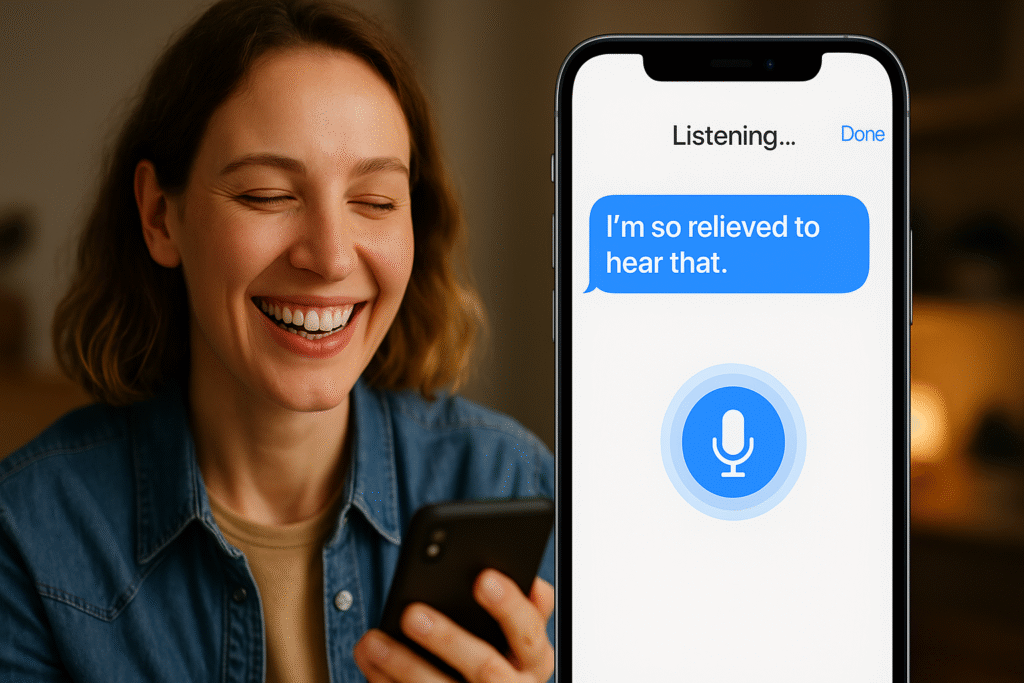
AI-powered accessibility isn’t about gimmicks; it’s about equalizing opportunity. These five apps highlight how brilliant mobile AI tools can remove barriers, foster independence, and transform lives.
Their success rests on a simple fact: accessibility is a human right. And when technology listens to speech, sight, even lip movement, it doesn’t just help, it empowers.
Ready to join the accessible future? Try these apps. Share them with others. Advocate for inclusive AI in every aspect of tech.
Your voice, sight, and hearing deserve nothing less than brilliance.
certainly like your website but you need to take a look at the spelling on quite a few of your posts Many of them are rife with spelling problems and I find it very troublesome to inform the reality nevertheless I will definitely come back again