
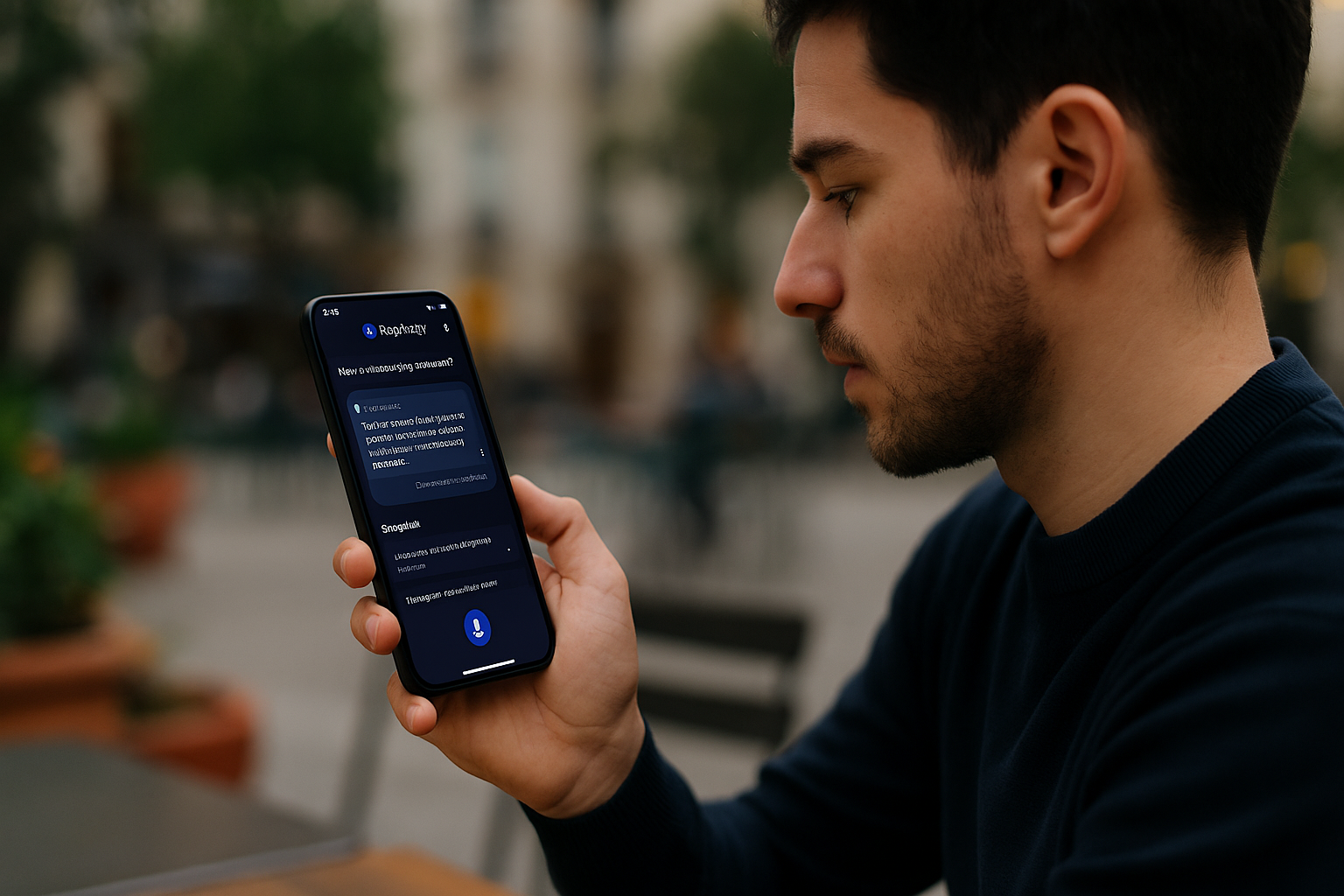
5 Genius Perplexity Tools Coming to AI Phones
Perplexity Tools Introduction: From Search Engine to Smart Companion
Let’s be real, the way we search for things online has barely evolved in over a decade.
Sure, the search engines got faster, the autocomplete got smarter, and the ads got sneakier. But the core experience? Still the same.
You type a query, maybe something like “best time to take magnesium,” or “how AI is changing education.”
You’re met with a flood of blue links. Some are blogspam, some are SEO bait, and a few might be helpful if you’re willing to dig.
So what do we do?
We click one link, realize it’s junk, hit the back button, rephrase our question, scan the snippets, click another link, rinse and repeat until our curiosity gives up or our coffee gets cold.
That’s not intelligence. That’s endurance.
And that’s exactly why Perplexity AI caught my attention.
Unlike traditional search engines, Perplexity doesn’t just give you links, it gives you clarity. It reads across sources, summarizes them, cites them, and responds like it understands what you asked.
It’s like pairing the precision of Google Scholar with the accessibility of ChatGPT, and it’s fast.
I first discovered Perplexity on desktop during a research binge, and it immediately felt different. There was less friction. More focus. I could ask follow-ups naturally, and it remembered where I was going.
It didn’t feel like I was searching. It felt like I was thinking out loud, and it was thinking with me.
But here’s where things get exciting:
Perplexity isn’t stopping at your browser tab. It’s coming to your phone not just as an app, but as a deeply integrated, AI-powered sidekick built to work with the next wave of smart devices.
And this isn’t some reskinned chatbot. We’re talking real utility tools that adapt to how you move, type, speak, and switch contexts all day long. Features that let you search by voice, jump between topics, summon summaries, and sync your thinking across devices without losing a beat.
In a world where phones are getting “smarter” but often more distracting, this might just be the upgrade we need:
Less screen time.
Less tab overload.
More signal, less noise.
So if you’re someone who values clarity, curiosity, and making your phone work with you, not against you, then you’ll want to see what’s coming.
Let’s explore the five most genius Perplexity tools rolling out for AI-first smartphones and how they’re about to transform the way we search, think, and create on the go.
Why Perplexity Is Perfect for Phones
Perplexity isn’t trying to be a chatbot.
It’s not pretending to be your best friend or therapist. What it does is answer questions with clarity, evidence, and follow-up context, which makes it perfect for smartphones.
Why?
Because mobile search is inherently messy.
You’re often searching in between tasks while walking, eating, and waiting in line. The experience needs to be fast, smart, and aware of what you want.
Perplexity is built for:
- Real-time research
- Clear sources
- Adaptive follow-ups
- Minimal distractions
And with mobile AI chips now supporting larger context windows and persistent memory, the Perplexity experience is getting a mobile-first upgrade that goes beyond just “search results.”
Genius Tool #1: Instant Sources with Context View
What it is:
Perplexity has always shown its sources. But the Context View revamp coming to mobile lets you click into the source without leaving the app, highlighting exactly where the information came from.
Why it’s genius:
You no longer have to guess, “Is this info real?”
The citation pops open within the same window, with Perplexity highlighting the quote or fact it pulled, just like in a real research paper.
Why it matters for mobile:
Tapping in and out of apps kills focus. This new feature keeps everything inside one scrollable frame, no browser bounce needed.
Genius Tool #2: Pro Search with Expert Personas
What it is:
This tool lets you apply a specific expert filter to your question, think “financial analyst,” “medical researcher,” “history professor,” or “UX designer.” It tailors the response tone, terminology, and references accordingly.
Why it’s genius:
It gives you the power to decide the lens.
Want a simple explanation of quantum computing? Choose “curious student.”
Want the deep math behind it? Pick “physics PhD.”
Why it’s perfect for phones:
Typing follow-ups on a small keyboard is a chore. With personas, you get the right tone and depth the first time, cutting back on rephrasing.
Genius Tool #3: Auto-Snapshots for Busy Browsers
What it is:
Perplexity will automatically generate a knowledge card every time you search, complete with quick bullet summaries, timelines, related terms, and citation previews.
Why it’s genius:
You don’t have to “read everything” unless you want to. Just like Apple’s Smart Stack widgets, the info is dense, beautiful, and scannable.
How it helps:
Great for when you’re multitasking or searching while in motion (like between meetings or during commutes).
Bonus:
You can save or export the snapshot to Notion, Google Docs, or your favorite notes app.
Genius Tool #4: Research Threads (Save & Sync Across Devices)
What it is:
Your mobile research will now sync in real time with your desktop sessions and organize them by topic thread. Each thread acts like a timeline of your curiosity.
Why it’s genius:
You can search for “AI in education” on your phone, then open your laptop later and see everything you explored, complete with questions, answers, and sources all linked in a tidy visual thread.
Why it’s a game-changer:
This turns Perplexity from a search tool into a thinking assistant. You’re no longer losing ideas to the scroll abyss.
Genius Tool #5: Voice-to-Search with Memory Recall
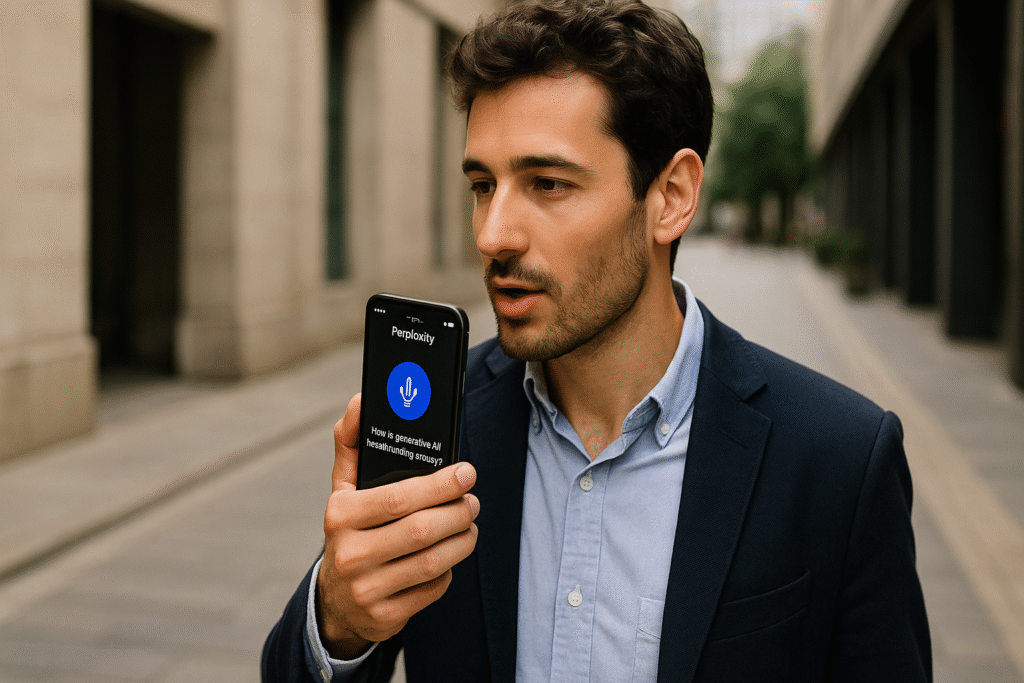
What it is:
Ask a question out loud, and Perplexity will not only transcribe it but also answer it based on your recent searches, saved preferences, and even past interactions.
Why it’s genius:
Imagine saying, “Remind me what that Samsung Glance article said about privacy.”
and getting an instant contextual answer, linked to the source, even if you asked that question last week.
Bonus:
It even works with hands-free wake word and background mode, making it ideal for on-the-go professionals, runners, or kitchen multitaskers.
Compare how Apple is upgrading search and on-device AI
How to Use These Tools Wisely
With great AI comes great responsibility. Here are 3 tips to get the most out of these tools:
- Don’t outsource thinking, co-create with it
Use Perplexity to shape your thoughts, not replace them. Ask “why” and “what if,” not just “what.” - Vet the answers, always check the source
Even with context view, critical thinking wins. Cross-reference when in doubt. - Use threads to explore depth, not just speed
Slow down and let your curiosity go deeper. The more you use threads, the more your learning compounds.
FAQ
Q: Is Perplexity free on mobile?
A: Yes, most features are free. Some advanced tools (like Pro Personas) may require a subscription.
Q: How is it different from ChatGPT on the phone?
A: Perplexity is optimized for search, not chat. It’s faster, citation-based, and better for quick research.
Q: Can I use it offline?
A: Not fully, some features like memory recall and live results require internet access.
Final Thoughts
If ChatGPT is your clever friend, Perplexity is your focused research assistant, now ready to live in your pocket.
These new tools coming to AI phones are more than features; they’re part of a larger shift:
From searching online to thinking alongside AI.
And honestly?
I can’t wait to see what questions we dare to ask next.
Pingback: 5 Genius Voice-Review Apps for Travelers on the Go